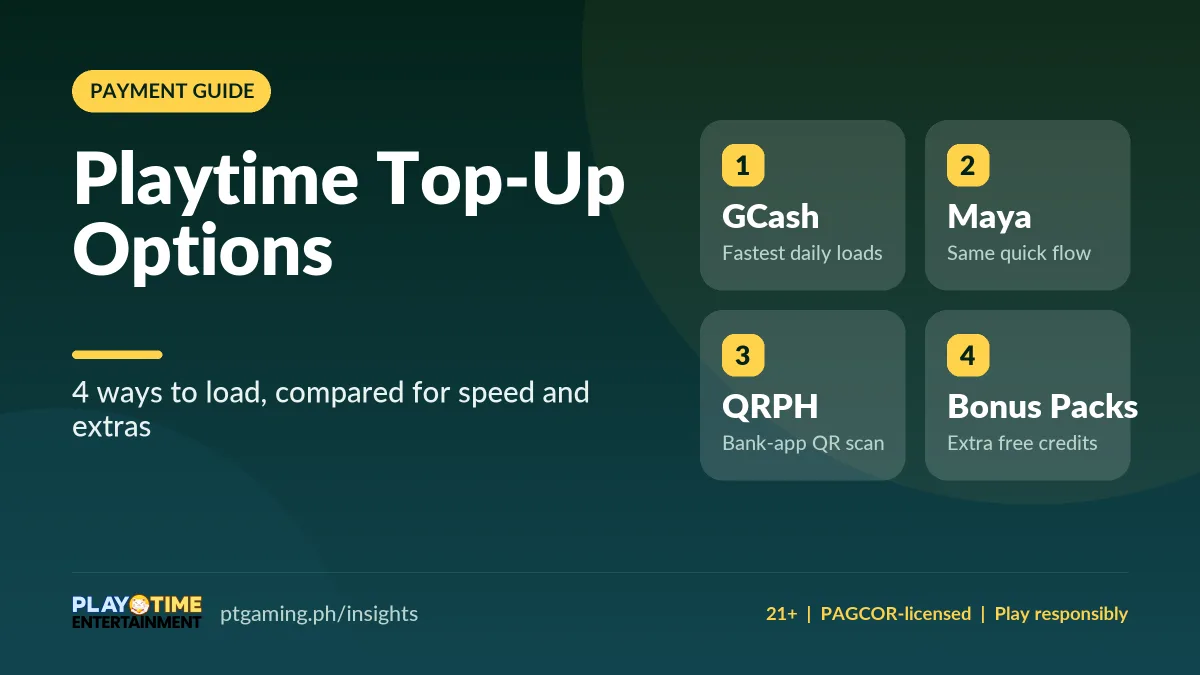
Playtime has four main top-up options: GCash, Maya, QRPH bank scan, and bonus bundle packs. GCash and Maya are fastest for daily loads, QRPH suits bank-app users, and bundle packs add free credits. You can start with as little as one peso, and every top-up needs your six-digit pay code. (Verified November 2026.)
Playing Playtime for the first time and ready to load your coins? Playtime gives you clear wallet paths so you can top up and start fast. Whether you go big on a great day or start small, each of these four reliable options comes with simple instructions. A seamless top-up cuts your waiting time and gets you to the games sooner. New to the platform? Start with the Playtime sign-up guide.
Why fast top-ups matter on Playtime
In games, speed matters — especially when a whole table is waiting on you. You want your money ready to transfer so you can jump straight into that hot spin. You can begin with as little as one peso, and peso-based bets are simple to track and transfer. Here’s how to top up and start playing whenever you like.
4 Playtime top-up options compared
From scanned codes to e-wallets, some options give free credits while others are best for a quick transfer. Pick the one that suits your gaming style and budget.
| Top-up option | Typical speed | Best for |
|---|---|---|
| GCash | Seconds to a few minutes | Fast daily or bigger top-ups |
| Maya | Seconds to a few minutes | Maya users |
| QRPH bank scan | Fast one-scan | Bank-app users who skip e-wallets |
| Bonus bundle packs | Instant credit | Extra free credits |
How the Playtime GCash top-up works
For most mobile players, GCash is the first pick. The transfer takes a few taps and works well for daily or bigger top-ups. Choose GCash as your payment method, pick your amount, enter your number, and log in to your GCash account to confirm. Once paid, refresh your Playtime balance to check the credit has applied. If it doesn’t show right away, refresh and wait — it’s usually seconds, sometimes a few minutes. Save your receipt and don’t delete it; you can show it to support if there’s ever an issue. For a deeper walkthrough, see the GCash on Playtime guide.
How the Playtime Maya top-up works
For Maya users, this path feels the same as GCash. Choose Maya, find a pack, and pay on the secure page by following the on-screen checkout. Confirm your payment and refresh your balance to see it reflected. New to paying via Maya? Start with smaller top-ups to learn the flow at lower risk, check the right amount was deducted, then scale up once you’re confident.
QRPH scan-code path for bank apps
Love a QRPH scan? It’s easy and fast, and it’s one of the best options for bank users. Choose QRPH to get your code, open your preferred bank app, and scan it. Check the amount to be sure you’re paying what you intend, then approve. This path is perfect for players who prefer to skip e-wallets — one scan, and the process feels safe. Before you choose it, make sure your bank app can scan QRPH codes. A brighter screen scans faster.
Bonus bundle packs with free credits
Want extras for your top-ups? Choose bundle packs. You can top up ten for an additional twenty free, or 50 to get 40 free — the higher you go, the more free credits per bundle. Promotions from the game lobby sometimes flag limited-time deals too; recently a home banner offered a 500 top-up with a 1.5% bonus. Treat all promotions carefully: some last only a couple of days, and others come with different conditions. For how wagering works, read the signup bonus guide.
Stay safe when you load
Whenever you top up on Playtime, you enter a six-digit pay code — always keep it secret. Before you play or cash out, finish your phone checks and KYC: your true name and birth date are required, and the app may ask for extra details to confirm the account is yours. The payment options are safe, but use them with care and recheck every digit — a transfer to the wrong account is a big problem to undo.
FAQs about Playtime top-up options
What is the fastest way to top up on Playtime?
GCash and Maya are the fastest, usually crediting in seconds to a few minutes. QRPH is a close second for bank-app users. Refresh your balance if the credit doesn’t appear right away.
What is the minimum Playtime top-up?
You can start with as little as one peso, and peso-based bets are simple to track. Confirm current minimums and fees in the Cashier before you transfer.
Can I top up Playtime with a bank app?
Yes, through QRPH. Choose QRPH, open your bank app, scan the code, check the amount, and approve. Make sure your bank app supports QRPH scanning first.
Do Playtime top-ups come with free credits?
Bundle packs can add free credits, and the lobby sometimes runs limited-time promos. Always read the terms — amounts and conditions can change at any time.
Pick your best load and keep playing
Chosen the right top-up? For speed, use GCash or Maya. For ease, QRPH is best — any bank app works as long as it scans QRPH codes. For extra deals, go for the packs. Save every receipt, set a budget, and consider a separate account for gaming so you can track your spending. Check the fees and bonus terms before every transaction, play smart, and take breaks. When you’re ready to cash out your wins, the Playtime withdrawal guide walks you through it.