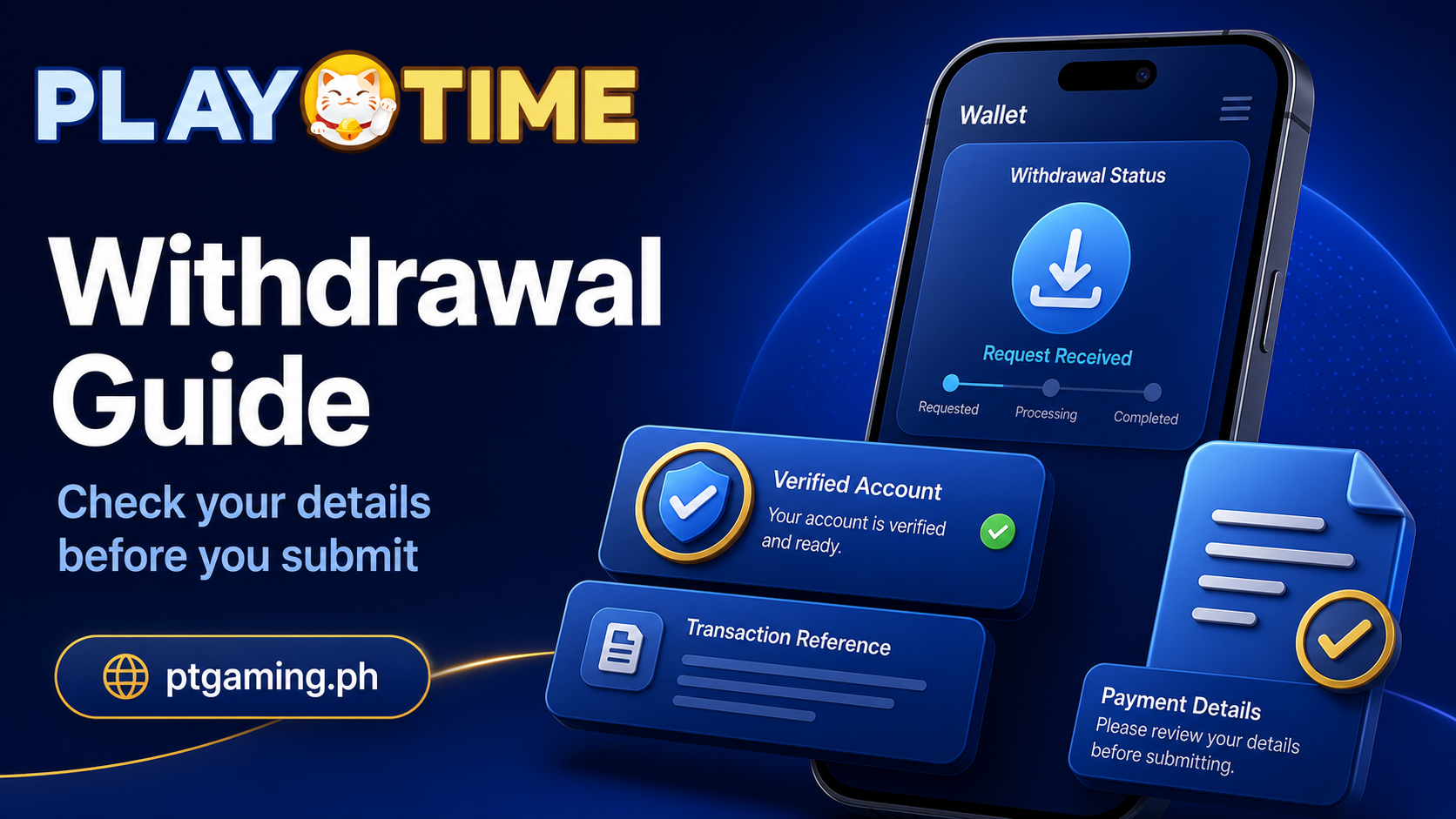
Withdrawing funds is usually straightforward once your account details and payment method are ready. Most problems happen before the request is submitted: an incorrect wallet number, incomplete verification, an unavailable payment channel, or bonus conditions that have not yet been completed.
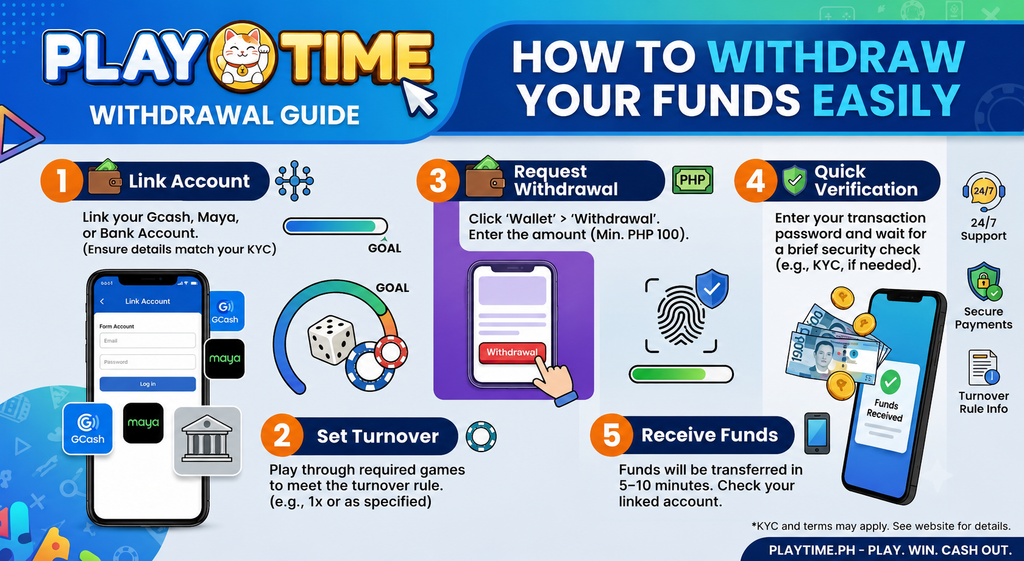
This guide explains how to request a withdrawal through ptgaming.ph, what to check before confirming, and what to do if the request remains pending.
Important: Available withdrawal methods, limits, processing times, fees, verification requirements, and promotion rules can change. The information shown in your logged-in Wallet or Cashier is the most reliable source for your account.
Quick Checklist Before You Withdraw
Before opening the withdrawal page, confirm that:
- You are logged in through
ptgaming.ph - Your account information is accurate and up to date
- Your payment account belongs to you
- Your available balance covers the amount you want to withdraw
- You have checked the current minimum and maximum withdrawal limits
- You have completed any required verification
- You have reviewed any active bonus or promotion terms
- Your selected payment method appears in the current Wallet or Cashier
Taking a minute to check these details can prevent most avoidable delays.
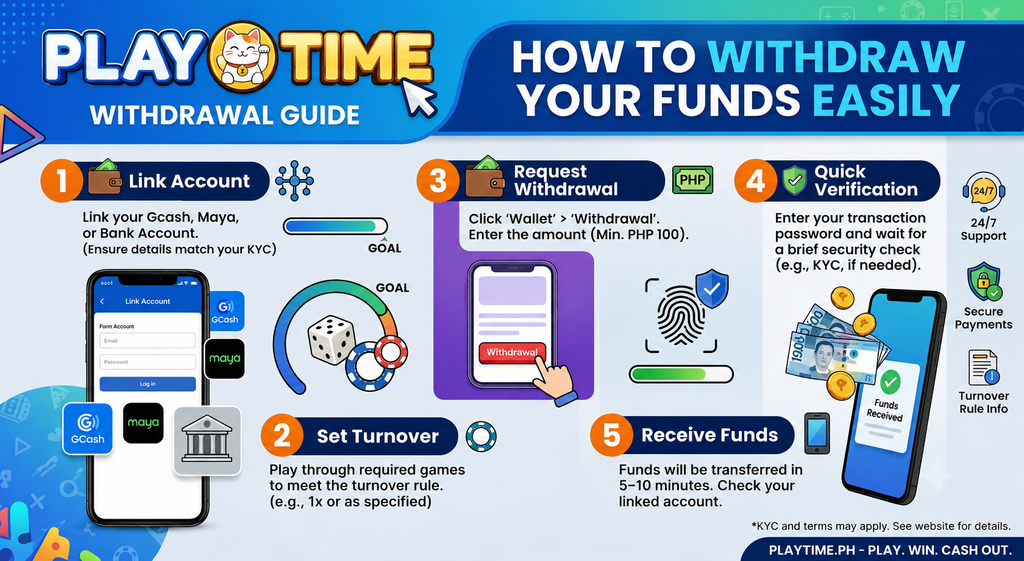
How to Withdraw From PT Gaming
1. Log In to Your Account
Type ptgaming.ph directly into your browser, then sign in with your account details.
Avoid withdrawal links shared through chat groups, social-media comments, or private messages. Use only the Wallet or Cashier inside your logged-in account.
2. Open the Wallet or Cashier
Look for the Wallet, Cashier, Funds, or Withdraw option. The exact menu name may vary depending on the current platform layout.
Open the withdrawal page to view the methods currently available to your account.
3. Select an Available Withdrawal Method
Choose the payment method displayed in the Withdrawal section. Depending on current availability, this may include local wallet or banking options.
If GCash appears as an option, check that the mobile number and account details are correct before continuing. Do not enter another person’s payment details unless the current platform rules explicitly allow it.
4. Enter the Withdrawal Amount
Enter an amount within the limits shown on the page.
Before submitting, check:
- The amount entered
- The destination account or mobile number
- The current withdrawal limit
- Any listed fee or processing note
- The final confirmation details
Do not submit the same request repeatedly if the first request appears pending.
5. Confirm and Save the Reference Details
Submit the request only after reviewing the information. Save the transaction reference, confirmation screen, or screenshot for your records.
You can usually check progress in the Wallet, transaction history, or account notifications section.
Can I Withdraw to GCash?
If GCash is displayed in your account’s current withdrawal options, you may be able to select it and follow the instructions shown.
Before using GCash, confirm that:
- The wallet number is correct
- The GCash account belongs to you
- Your GCash account has sufficient available limits
- Your platform account details are accurate
- You have completed any verification required by the platform or payment channel
Do not assume that a payment method will always be available. Check the live Withdrawal page before making a request.
Why Is My Withdrawal Pending?
A pending withdrawal does not automatically mean there is a problem. It may simply still be under the platform’s current processing procedure.
Common reasons include:
- Account verification is incomplete
- Payment details do not match
- The selected payment channel is temporarily unavailable
- The requested amount is outside the current limit
- A transaction requires an additional review
- An active bonus has conditions that have not been completed
- The request was submitted outside a payment channel’s normal processing period
Start by checking your transaction history and account notifications. If no explanation is shown, contact support through the official website and provide the transaction reference.
Check Bonus Terms Before Requesting a Withdrawal
If you used a bonus, free reward, or promotional credit, read the current terms before submitting a withdrawal request.
Some promotions may include:
- Wagering or turnover requirements
- Eligible-game restrictions
- Expiry dates
- Maximum conversion or withdrawal limits
- Verification requirements
Do not assume that a bonus balance is automatically withdrawable. The promotion page shown in your account should explain the current conditions.
Common Withdrawal Problems and Simple Fixes
Incorrect Wallet or Bank Details
Check every digit before confirming. If the destination account is wrong, contact official support as soon as possible and provide the transaction reference.
Withdrawal Option Is Missing
Available methods can change. Check again later through the Wallet, or use another currently displayed method if it suits your account.
Request Was Declined
Review any message in your transaction history or notifications. Common causes include an incomplete profile, incorrect payment details, or conditions attached to a promotion.
Balance Is Not Available for Withdrawal
Check whether the balance is marked as cash, bonus, pending, or subject to current promotion requirements.
You Received a Suspicious “Withdrawal Support” Message
Do not share your password, OTP, PIN, or login code. Official support should not ask you to send money to a personal wallet to “unlock” a withdrawal.
Return to ptgaming.ph and use the official support channel shown inside your account.
Withdrawal Safety Tips
A few simple habits make account management safer:
- Use a strong, unique password
- Never share an OTP, PIN, or login code
- Keep your GCash or bank details private
- Save transaction references and payment receipts
- Use only payment instructions shown in your logged-in account
- Do not make additional deposits to chase a pending withdrawal
- Set a personal entertainment budget and stick to it
Only participate if you meet the legal age and eligibility requirements in your location.
FAQ
How do I withdraw money from PT Gaming?
Log in at ptgaming.ph, open Wallet or Cashier, select Withdraw, choose an available payment method, enter the amount, review the details, and submit the request.
How long does a withdrawal take?
Processing time varies by payment method, verification status, current payment-channel availability, and platform procedures. Check the information displayed in your Wallet for the latest status.
Can I use GCash for a withdrawal?
If GCash is currently listed in your Withdrawal section, follow the instructions shown. Confirm that your wallet details and account information are correct.
Why is my withdrawal pending?
It may still be under review or require further verification. Check transaction history, account notifications, payment details, current limits, and any bonus terms first.
What should I do if I entered incorrect details?
Contact official support through your logged-in account as soon as possible. Keep your transaction reference ready, but never share your password, PIN, or OTP.
Final Thoughts
A smooth withdrawal starts before you click “Confirm.” Use the official website, check your payment details, review current limits and bonus terms, and keep a record of your request.
For the most accurate information, log in to ptgaming.ph, open your Wallet, and follow the withdrawal instructions currently shown in your account.
17:07
请求批准
5.6 Terra轻度5.6 Terra极高5.6 Terra极高5.6 Terra中