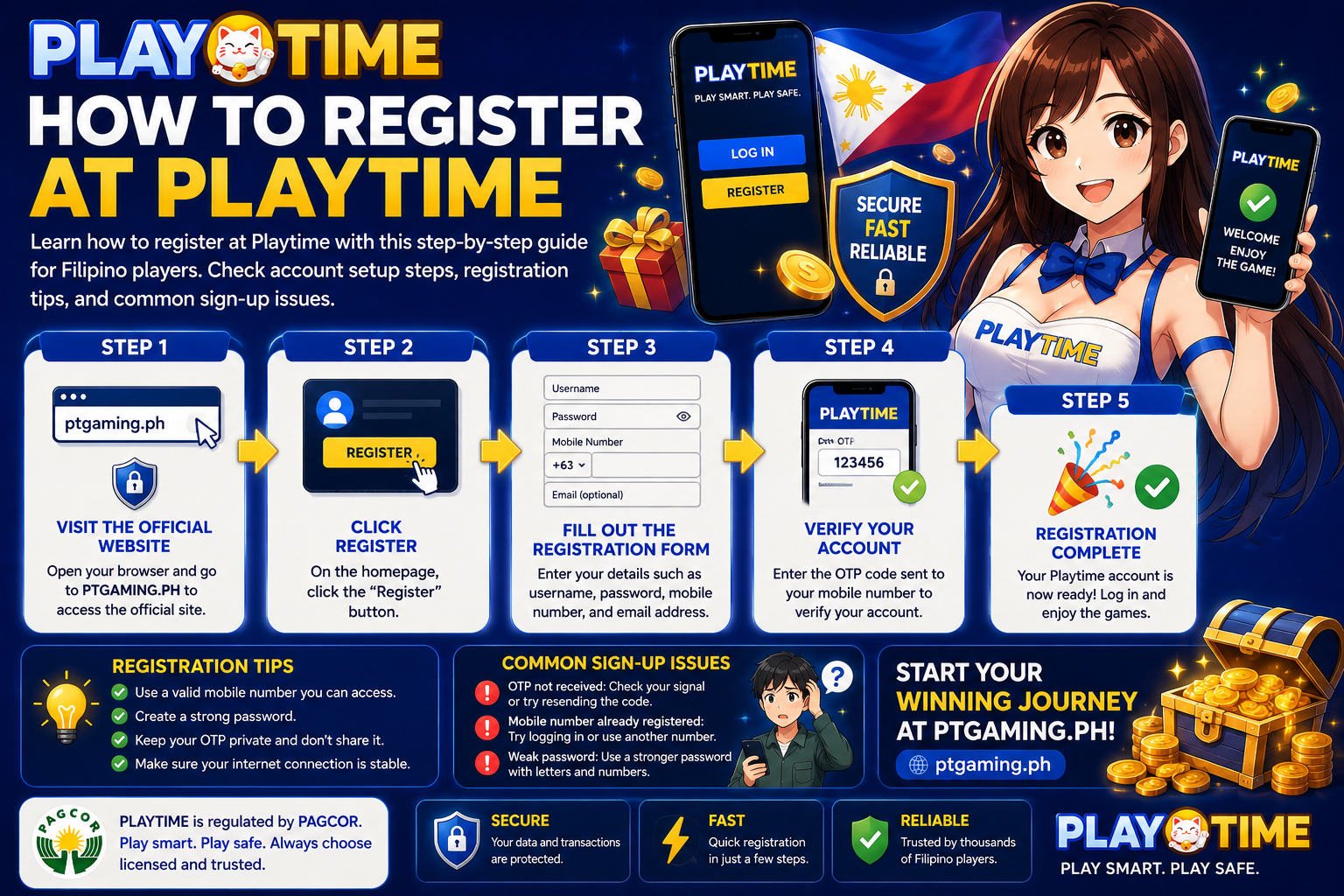
Registering for a PT Gaming account generally involves opening the official registration page, entering the requested details, completing any verification steps, and securing your login information.
The registration form and requirements can change. Before sharing personal information, always confirm that you are using PT Gaming’s official website or app and review the instructions shown on the current registration page.
Before You Register
A few minutes of preparation can help prevent login and verification problems later.
Confirm that you are eligible
Only register if you meet the legal age requirement and are permitted to use the service where you live. Review the platform’s terms, privacy notice, and responsible-gaming information before creating an account.
Use an official PT Gaming entry point
Avoid registration links sent through unsolicited messages, unfamiliar social-media accounts, or third-party websites. Use PT Gaming’s official channels to reach the sign-up page.
Before entering your details, check that:
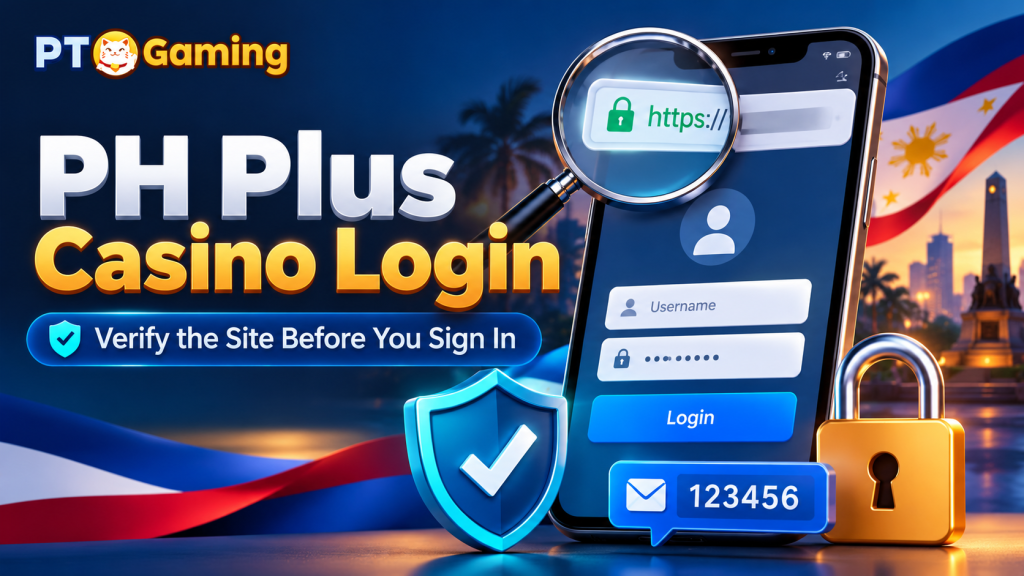
- The website address matches PT Gaming’s official domain.
- The connection shows a secure lock icon in your browser.
- The page does not ask for unusual information unrelated to account registration.
- You are not being redirected to an unfamiliar website.
Prepare your account information
Have the following ready:
- An active mobile number or email address you can access regularly
- Accurate personal information, where requested
- A unique, strong password
- A stable internet connection
Use details that you can retain access to. An inactive phone number or email address can make account recovery more difficult.
How to Register at PT Gaming
Step 1: Open the official PT Gaming website or app
Visit PT Gaming through its official website or app. On the homepage, look for a button such as Register, Sign Up, or Create Account.
[Add an annotated screenshot of the official registration button here.]
Step 2: Complete the registration form
Enter the information requested on the form. Depending on the current process, this may include your contact details, account credentials, and other required information.
Enter every detail carefully. Do not use another person’s information or create an account with contact details you cannot access.
Step 3: Create a strong password
Choose a password that is difficult to guess and is not used for another important account.
A strong password should:
- Be long and unique
- Combine letters, numbers, and symbols where permitted
- Avoid names, birthdays, and common phrases
- Never be shared with anyone else
Consider using a trusted password manager to store it securely.
Step 4: Review the information before submitting
Before selecting Submit or Create Account, check:
- Your mobile number or email address
- The spelling of your name and other requested details
- Your password entries
- Any terms or consent boxes you are agreeing to
Correcting errors now is usually easier than updating account information after registration.
Step 5: Complete verification if requested
Some registrations may require a verification code, email confirmation, or additional account checks. Follow the instructions displayed on the official PT Gaming page.
Never share a one-time password (OTP), verification code, password, or account-recovery code with another person. Legitimate support staff should not ask you to disclose these credentials.
Step 6: Sign in and check your account
Once registration is complete, sign in using your new credentials. Confirm that you can access your account settings and that your contact information is correct.
What to Do After Registration
Secure your account
Protect your new account from the start:
- Keep your password private.
- Do not save login details on public or shared devices.
- Sign out after using a device that is not your own.
- Enable security options offered by the platform, if available.
- Be cautious of messages that ask you to “verify” your account through an unfamiliar link.
Check account information and platform rules
Review your profile, account settings, and any applicable verification requirements. If you plan to use financial or gaming features, read the relevant terms, fees, limits, and responsible-gaming tools before proceeding.
Set personal limits
Gaming should be treated as entertainment, not a way to earn income. Set a budget, take breaks, and stop if the activity is causing financial stress or no longer feels enjoyable.
Common PT Gaming Registration Problems
I cannot submit the registration form
Check whether all required fields are complete and formatted correctly. Also try:
- Refreshing the page
- Checking your internet connection
- Using an updated browser
- Turning off a browser extension that may interfere with the form
- Trying again later if the site is undergoing maintenance
If the issue continues, contact support through the official PT Gaming support channel.
I did not receive a verification code
First, confirm that you entered the correct email address or mobile number. Check your spam or junk folder if the code is sent by email.
Wait a few minutes before requesting another code. Repeated requests may delay the process or invalidate earlier codes.
I forgot my login details
Use the official Forgot Password or account-recovery option. Do not create multiple accounts to solve a login issue. If recovery does not work, contact official support and follow its account-verification process.
My account details are incorrect
Use the official account settings or support channel to ask how the information can be corrected. Be prepared to follow any verification steps required to protect your account.
Frequently Asked Questions
Can I register for PT Gaming on my phone?
If PT Gaming supports mobile browsers or an official app, you can usually complete registration on a smartphone. Use a stable connection and check that the page is the official one before entering information.
Is PT Gaming registration free?
Registration terms can change. Check the current information on PT Gaming’s official registration page before signing up.
What information do I need to register?
You will need the information requested on the live registration form, typically including an active contact method and login credentials. Provide only accurate details that you can access long term.
Why is my registration not working?
Common causes include incomplete fields, incorrectly formatted information, an expired verification code, or an unstable connection. Review the error message on the page and follow the recommended troubleshooting steps above.
What should I do if I receive a suspicious registration message?
Do not click the link or share any login or verification details. Open PT Gaming through its official website or app and contact official support if you need help.
Final Checklist
Before creating your PT Gaming account, make sure you:
- Are eligible to use the service in your location
- Are using an official PT Gaming website or app
- Have an active email address or mobile number
- Have created a strong, unique password
- Have reviewed your information before submitting
- Understand how to protect your account and play responsibly
For the latest registration requirements, verification steps, and support options, refer to PT Gaming’s official website and help resources.