
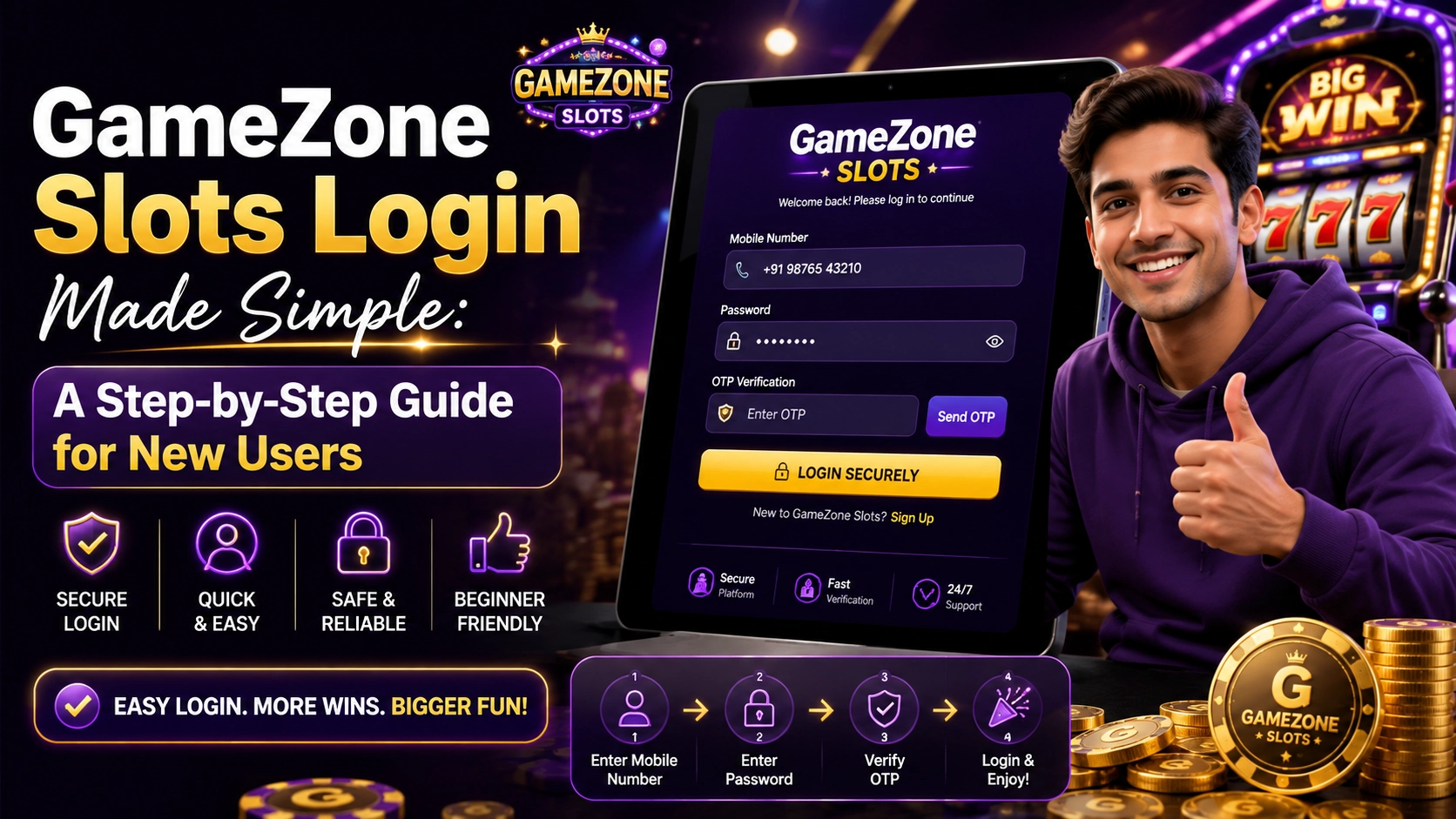
GameZone Slots Login Made Simple: A Step-by-Step Guide for New Users
Completing your gamezone slots login is straightforward. Simply sign in with your mobile number, verify your identity using the OTP sent for every login, and you’ll be able to access your account and available features.
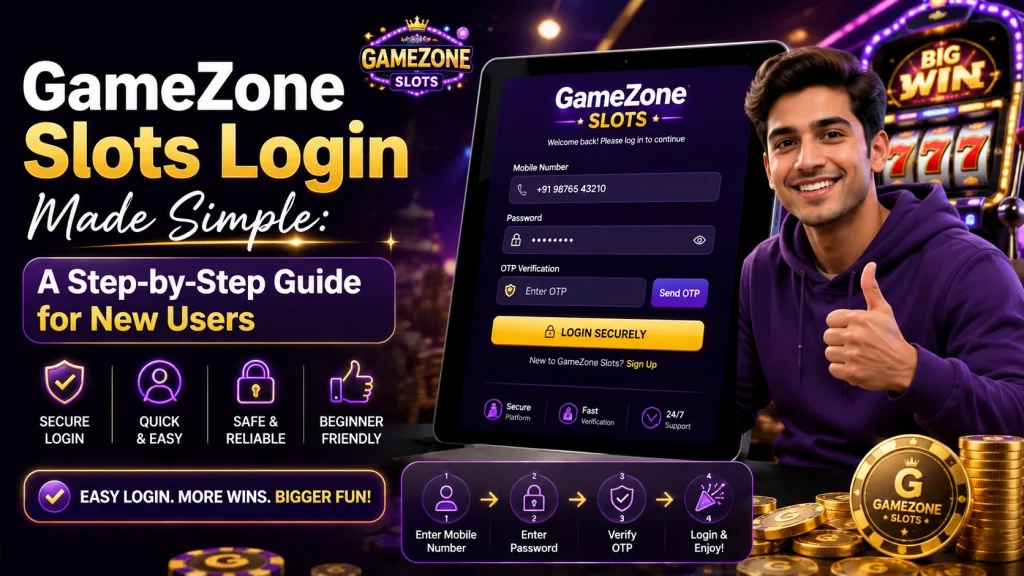
How Does GameZone Slots Login Work?
GameZone uses mobile number login, making the sign-in process simple for both new and returning users.
One detail that’s worth knowing before you begin is that an OTP (One-Time Password) is required every time you log in, not only when using a new device. Preparing your phone before signing in can help the process go more smoothly.
Log In with Your Mobile Number
To begin the login process:
- Open the official GameZone application or login page.
- Enter the mobile number linked to your account.
- Continue to the verification step.
Using the same registered mobile number is essential because the verification code will be sent to that number.
Receive an OTP Every Time You Log In
Unlike some platforms that request verification only on unfamiliar devices, GameZone sends an OTP every time you log in.
After entering your mobile number:
- Wait for the OTP message.
- Enter the verification code exactly as received.
- Complete the login process.
Keeping your phone nearby makes signing in much quicker, especially if you log in regularly.
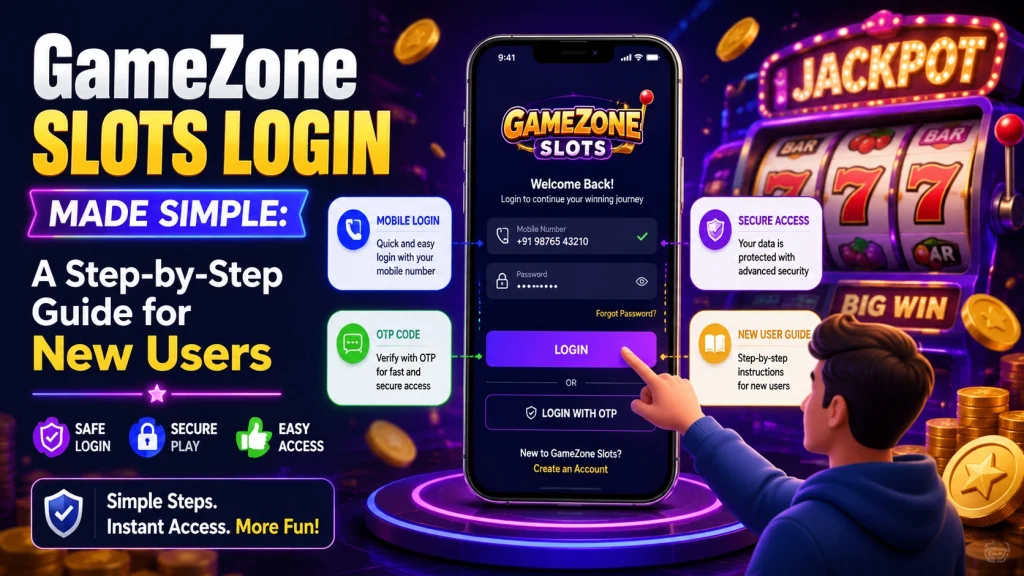
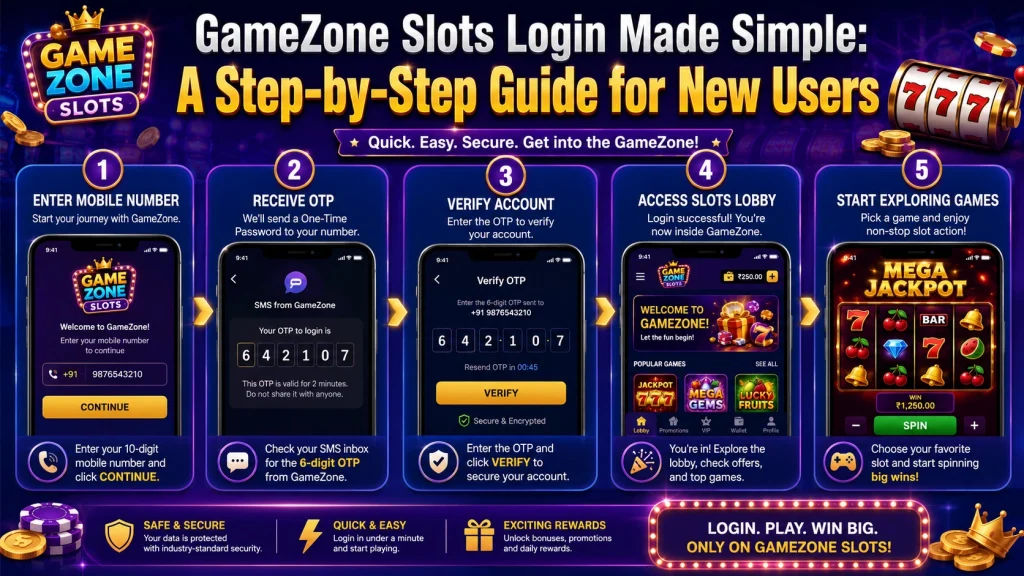
Step-by-Step GameZone Slots Login Process
After understanding how verification works, completing your login usually takes only a few simple steps.
Step 1: Download the Official App
Before logging in, make sure you’re using the official GameZone application.
The official download page is:playtime
Downloading from the official source helps ensure you’re using the latest available version.
Step 2: Enter Your Registered Mobile Number
Launch the application and enter the mobile number you used when creating your account.
Double-check the number before requesting the OTP to avoid unnecessary delays.
Step 3: Verify with the OTP
Enter the one-time password sent to your phone.
Since a new OTP is sent during every login, you’ll need to complete this verification each time you access your account.
Step 4: Access Your Account
Once verification is complete, you’ll be signed in and can continue using your account.
What Can You Do After Logging In?
Completing your GameZone Slots login does more than simply give you access to the platform. Once you’re signed in, you can manage your account and use features that aren’t available before authentication.
View Your Transaction History
After logging in, you can access your transaction history directly from your account.
Being able to review previous transactions makes it easier to keep track of your account activity and confirm recent actions whenever needed.
Access VIP Features
Your account also gives you access to the platform’s VIP features.
If you’re interested in exploring the services available to your account, logging in is the first step before reviewing those sections.
Browse Available Games
Once you’ve entered your account, you can browse the available game categories and explore different slot titles.
I usually spend a few minutes looking through the categories before deciding where to start. Taking time to explore helps me become familiar with the platform rather than jumping into the first game I see.
Common Login Problems and Solutions
Most login issues are simple to resolve once you know where to look.
Didn’t Receive the OTP?
Since GameZone sends an OTP every time you log in, the first thing I check is whether I’m using the correct registered mobile number.
If the number is correct but the code hasn’t arrived yet, waiting a short moment before requesting another OTP is often the best first step.
Entered the Wrong Mobile Number
A small typing mistake can prevent the verification code from reaching your device.
Before requesting another OTP, I always verify that the mobile number matches the one used to register the account.
Using an Unofficial Download Source
If you’re installing the app for the first time or updating it, it’s best to use the official download page:
Using the official source helps ensure you’re accessing the correct version of the application.
How PT Gaming Can Help New Players
If you’re new to GameZone, PT Gaming provides an easy starting point for accessing the official application.
I recommend downloading the app from the official page, completing the mobile number login, and becoming familiar with the interface before exploring different game categories.
Following the official login process helps keep the experience straightforward from the beginning.
FAQ
How do I complete my GameZone Slots login?
To complete your GameZone Slots login, open the official application, enter your registered mobile number, receive the OTP sent to your phone, enter the verification code, and access your account.
Does GameZone use mobile number login?
Yes. GameZone uses mobile number login, so you’ll need the same phone number you registered with when accessing your account.
Do I receive an OTP every time I log in?
Yes. GameZone sends a new OTP for every login, not only when you sign in from a new device. Your mobile phone is required each time you access your account.