

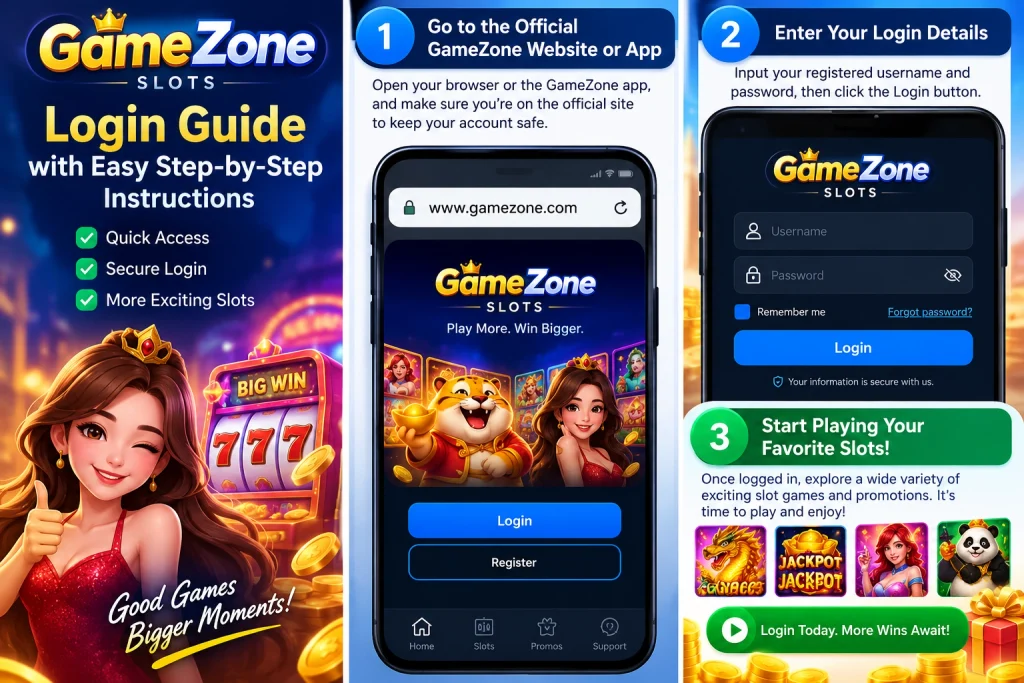
GameZone Slots Login Guide with Easy Step-by-Step Instructions
If you’re searching for GameZone Slots login, the process is straightforward. Sign in with your registered mobile number, complete the OTP verification sent during every login, and you’ll be able to access your account. Once logged in, you can view features such as your transaction history and VIP information.

How to Complete Your GameZone Slots Login
The login process only takes a few minutes if you’re using the correct account information. Following the steps in order helps avoid the most common login problems.
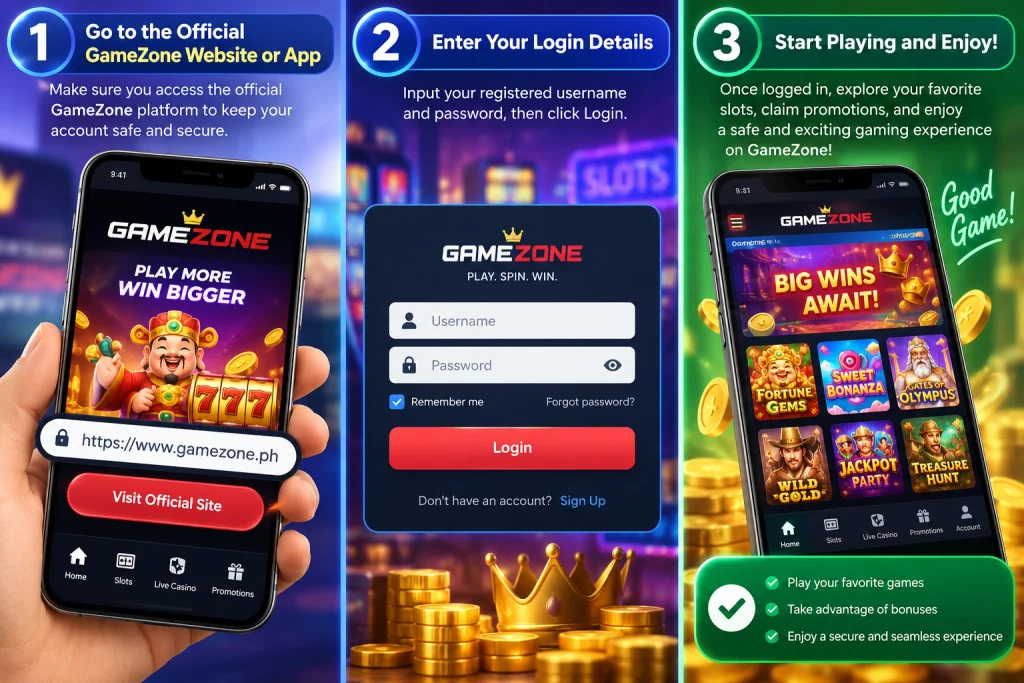
Step 1: Open the official login page
Start by accessing the official GameZone login page through the official platform resources.
If you’re looking for official guides, updates, or platform information, PT Gaming Insights provides articles related to GameZone and other platform features. Beginning with an official source helps reduce the risk of visiting unofficial websites.
Step 2: Enter your registered mobile number
GameZone uses mobile numbers as the account login method.
Enter the same mobile number you used when creating your account. Using a different number will prevent the system from locating your account.
Before tapping Log In, double-check that:
- You’re entering your registered mobile number.
- The number is complete and accurate.
- There are no typing mistakes.
Taking a few extra seconds to verify your information is often faster than repeating the login process.
Step 3: Verify your OTP
After submitting your mobile number, an OTP (One-Time Password) is sent to your phone.
GameZone requires OTP verification every time you log in, not only when using a new device.
When you receive the code:
- Enter the latest OTP exactly as shown.
- Complete the verification.
- Wait for the account dashboard to load.
If a new OTP is requested, use the most recently received code rather than a previous one.
What Happens After You Log In?
Logging in gives you access to the features associated with your account.
Instead of signing in only when you want to play, it’s useful to know what information is available after successful authentication.
View your transaction history
After logging in, you can access your transaction history.
Reviewing your transaction records makes it easier to keep track of your account activity and confirm previous transactions whenever needed.
Access your VIP information
Your account also provides access to the VIP section after login.
This allows eligible users to view their VIP-related information directly from their account without needing a separate login process.
Why Can’t You Log In?
Most GameZone Slots login problems can be solved by checking a few basic details before trying again. In my experience helping new users understand the login process, the issue is usually related to the login information or verification step rather than the account itself.
Using a different mobile number
GameZone accounts are linked to the mobile number used during registration.
If you accidentally enter another phone number—even one you currently use regularly—the system won’t be able to match it with your GameZone account.
Before requesting another OTP, confirm that you’re entering the exact mobile number you registered with.
OTP verification issues
Every GameZone login requires OTP verification.
If you’re unable to complete the login:
- Wait for the newest OTP to arrive.
- Enter the most recently received code instead of an older one.
- Make sure you’ve typed every digit correctly before submitting.
If you request another OTP, the latest code is the one that should be used for verification.
Accessing unofficial websites
Searching “GameZone Slots login” may lead to many different pages online, but not all of them are official.
Using trusted official resources helps reduce confusion and ensures you’re following the correct login process. Before entering your mobile number or OTP, make sure you’re using an official source for GameZone information.
Where Can You Find Official Information?
If you want to learn more about GameZone beyond the login process, PT Gaming Insights provides official guides and educational content covering platform features and common questions.
You can visit:
to explore articles about:
- GameZone login guides
- Platform updates
- Beginner tutorials
- Gaming tips and educational resources
Using official information is often the fastest way to understand new features and stay up to date with platform changes.
FAQ
1. How do I complete my GameZone Slots login?
Use the mobile number you registered with, then enter the OTP sent to your phone. After successful verification, you’ll be logged into your account.
2. Does GameZone send an OTP every time I log in?
Yes. GameZone sends an OTP every time you log in, even if you’re using the same device as before.
3. What should I do if I can’t log in?
First, check that you’re using the registered mobile number. Then make sure you’re entering the latest OTP you received. Using an old verification code or a different phone number may prevent you from logging in successfully.