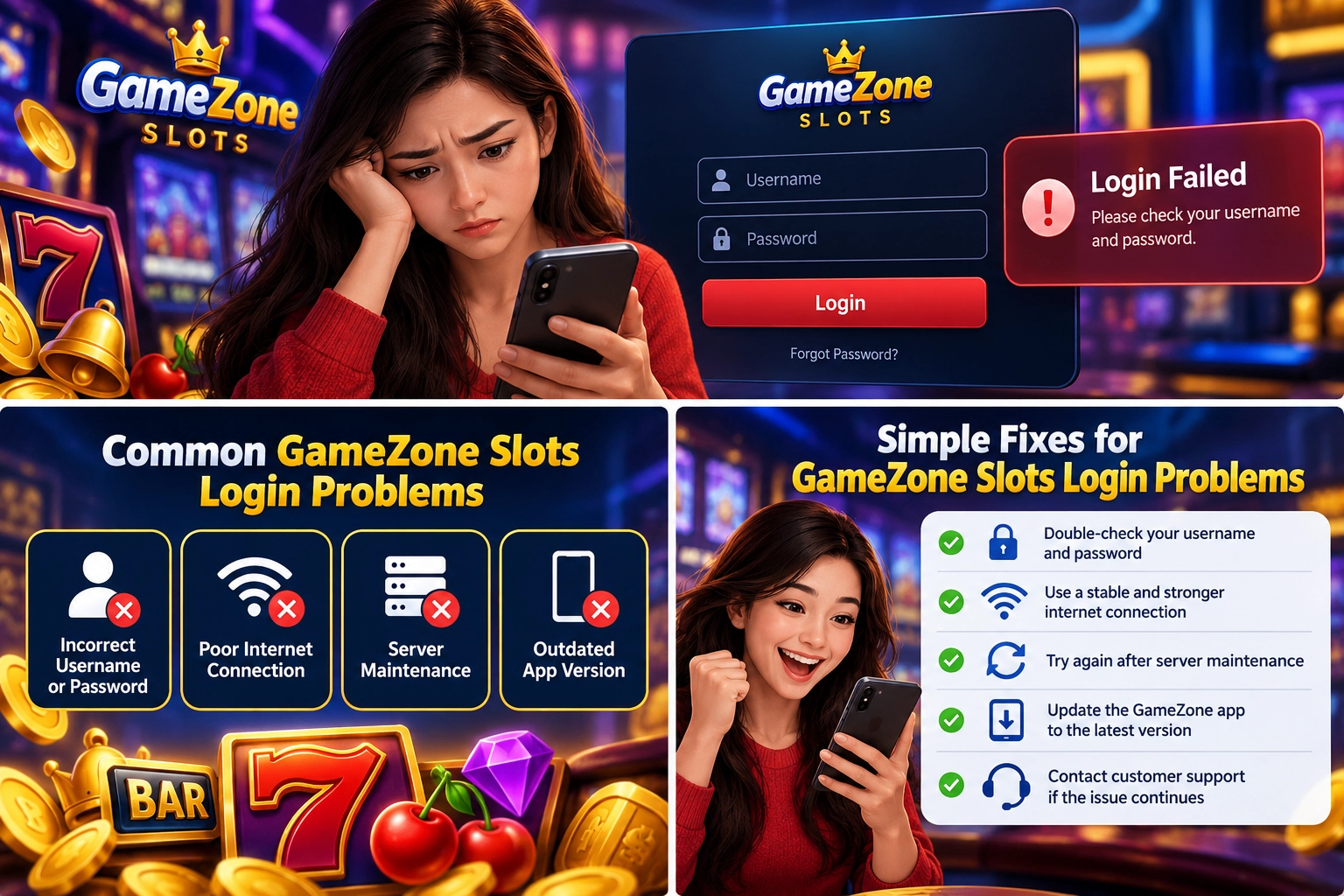
GameZone Slots Login Problems and Simple Fixes
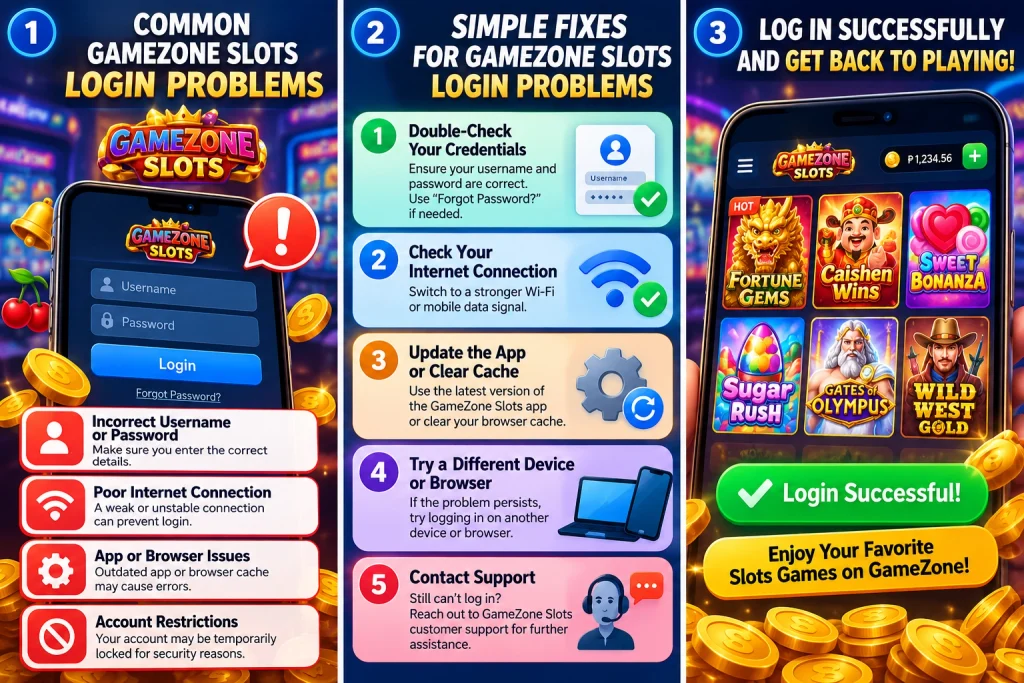
If your GameZone Slots login isn’t working, the problem is often easier to fix than you might expect. Most login issues are related to using the wrong mobile number, entering an incorrect OTP, or restarting the login process before verification is complete. Checking these items first usually saves time and gets you back into your account faster.
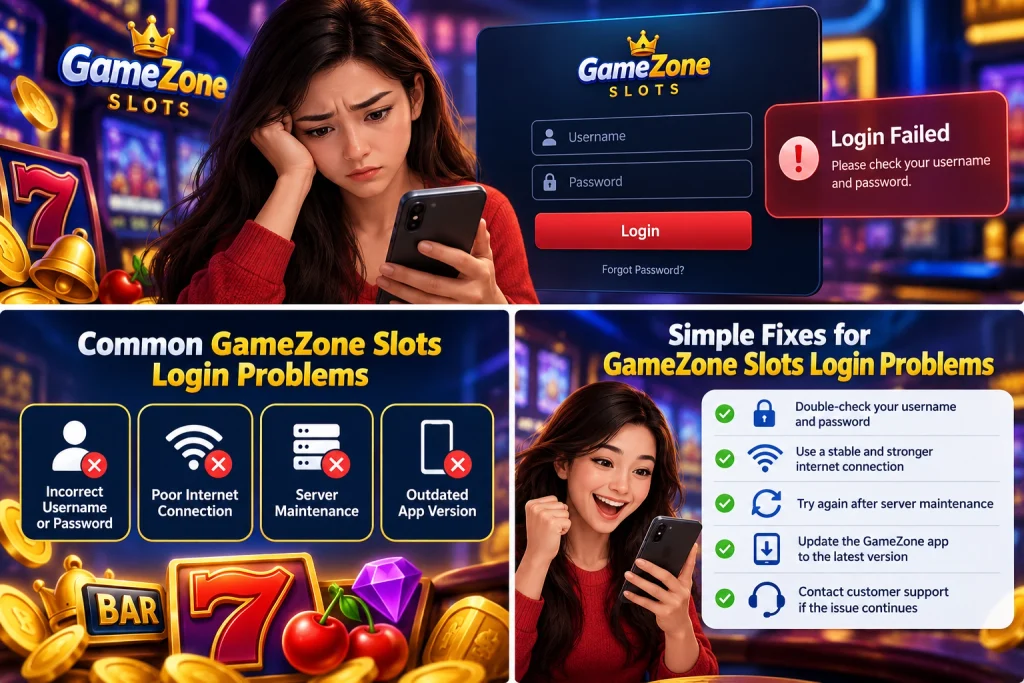
Why Is Your GameZone Slots Login Not Working?
Login failures don’t always mean there’s a problem with your account. In many cases, a small mistake during the login process is enough to prevent access.
After helping new users understand the login flow, I noticed that the same issues appear repeatedly. Before trying more complicated solutions, it’s worth checking the basics first.
Using a different mobile number
GameZone accounts are linked to the mobile number used during registration.
If you enter a different phone number—even if it’s another number you currently use—the system won’t recognize it as your account.
Before requesting another verification code, confirm that:
- You’re using the mobile number registered with your GameZone account.
- Every digit has been entered correctly.
- You’re not accidentally using an old or secondary phone number.
Taking a few seconds to verify your number is often enough to solve the problem.
OTP verification failed
Every GameZone login requires OTP verification.
If the login doesn’t complete successfully, the OTP step is one of the first things to review.
A few simple checks can help:
- Wait for the newest OTP to arrive.
- Enter the latest code instead of an older one.
- Type every digit carefully before submitting.
If you request another OTP, always use the most recently received code, as earlier codes may no longer work.
Typing mistakes
Typing errors are easy to overlook, especially when logging in quickly.
Before tapping the login button, quickly review both your mobile number and OTP. Correcting a single incorrect digit is much faster than repeating the entire login process.
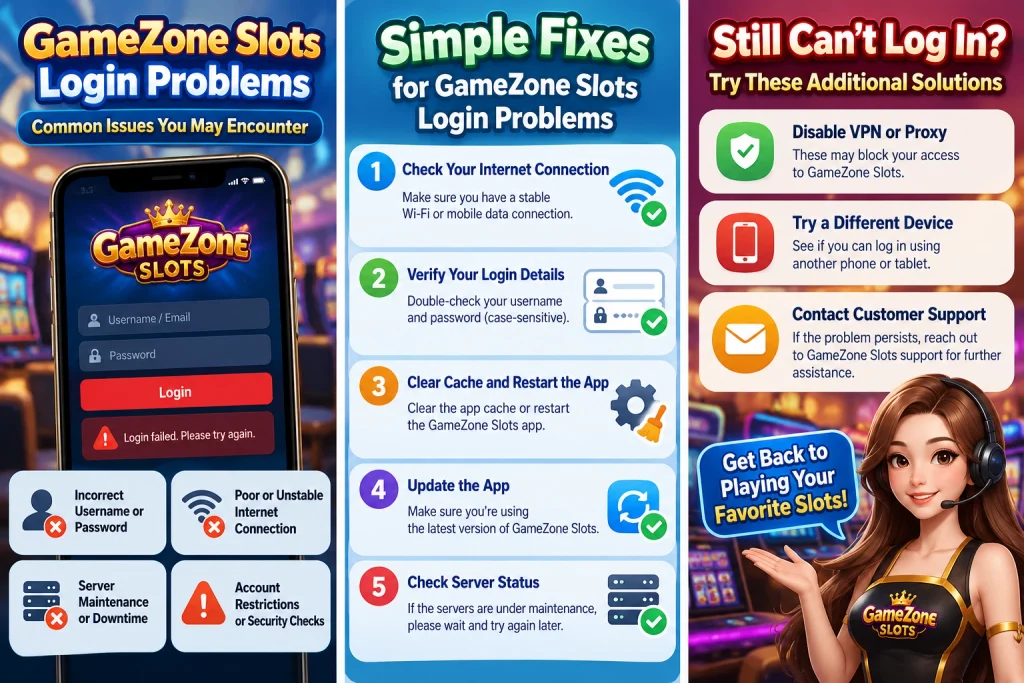
Simple Fixes You Can Try First
Before assuming there’s a larger issue, try a few straightforward troubleshooting steps.
These checks only take a minute and often resolve the most common login problems.
Confirm your registered mobile number
Start by confirming that you’re using the same mobile number you registered with.
Because GameZone uses mobile number login, entering a different number prevents the system from locating your account.
Request a new OTP
If the verification code has expired or wasn’t entered correctly, request a new OTP.
After receiving the new message, use only the latest verification code. Entering an older OTP after requesting another one may cause the verification to fail.
Start the login process again
If you’ve tried several times without success, it’s often quicker to restart the login process from the beginning.
Re-enter your registered mobile number, wait for a new OTP, and complete the verification step again. Starting fresh helps eliminate mistakes carried over from previous attempts.
What Can You Access After a Successful Login?
Once your GameZone Slots login is complete, you can access the main features associated with your account. Knowing what’s available after signing in helps you confirm that your login was successful and lets you make full use of your account.
View your transaction history
One of the first features available after logging in is your transaction history.
Being able to review previous account activity makes it easier to:
- Check recent transactions.
- Review your account records.
- Confirm that previous activities have been completed.
If you regularly use your account, checking your transaction history from time to time is a simple way to keep track of your activity.
Check your VIP information
After signing in, you can also access your VIP information.
Instead of searching through different pages, your VIP details are available after login as part of your account. This makes it easy to review your current VIP information whenever needed.
Where Can You Find Official Login Information?
If you’re unsure whether you’re following the correct login process, it’s always better to rely on official information instead of third-party guides.
PT Gaming Insights provides official articles covering GameZone account access, login instructions, and other beginner-friendly guides. Reading these resources can help answer common questions before they become login problems.
You can visit:
to find information about:
- GameZone login guides
- Platform updates
- Beginner tutorials
- Frequently asked questions
- Educational articles about platform features
Using official resources also reduces the chance of following outdated or incorrect login instructions found elsewhere online.
FAQ
1. Why is my GameZone Slots login not working?
The most common reasons are using a mobile number that wasn’t registered, entering an incorrect OTP, or using an older verification code after requesting a new one.
2. Does GameZone require OTP every time I log in?
Yes. GameZone sends an OTP every time you log in, even when you’re using the same device.
3. Which mobile number should I use to log in?
You should always use the mobile number you registered with. Using a different phone number will prevent the system from locating your account.