If you are searching for a PAGCOR online casino GCash option, it is sensible to check two things before you register: whether the gaming website is listed through official PAGCOR resources and whether GCash is currently available in the platform’s payment section.
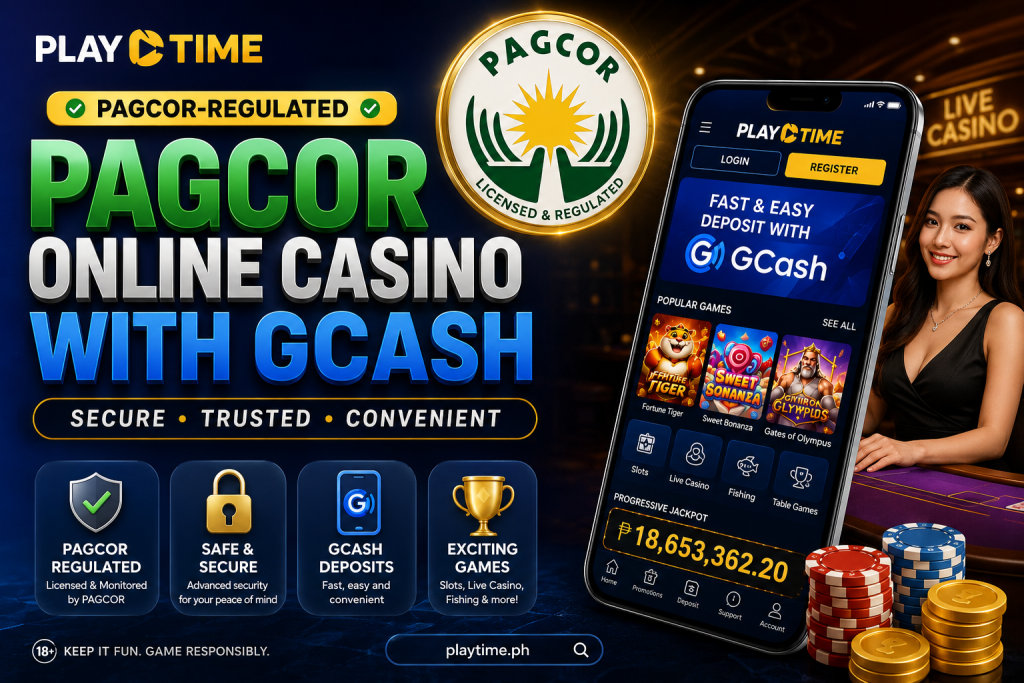
PAGCOR’s published list of accredited gaming system administrators and registered brands identifies PT Gaming under Playmate Leisure Solutions Corp., with ptgaming.ph listed as its main domain. Because registered brands, domains, payment methods, and game offerings may change, check the current official records and the live PT Gaming cashier before making a payment.
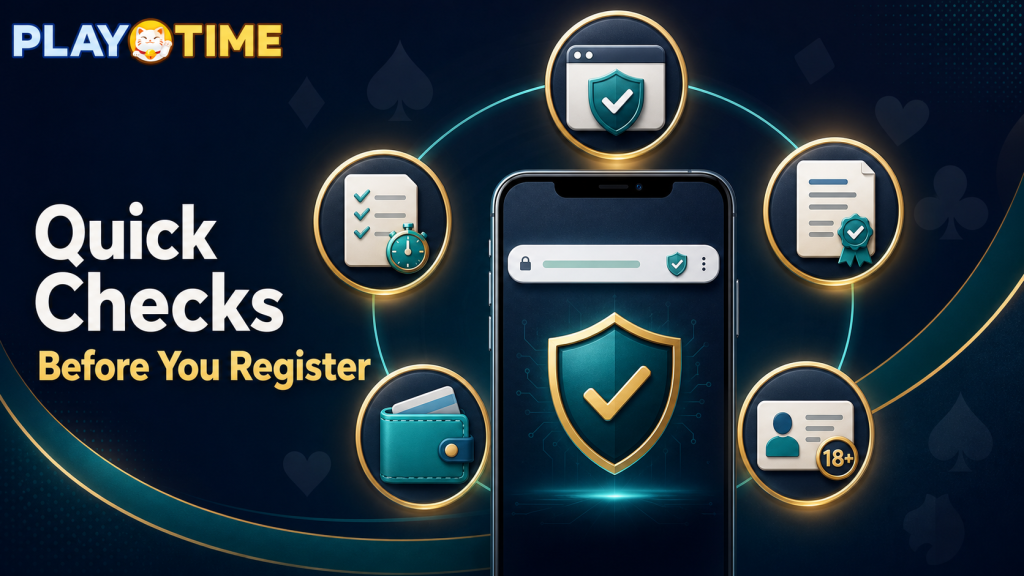
Quick Checks Before You Register
Before creating an account or depositing money, confirm the following:
- You are visiting
ptgaming.ph, not a similar-looking website. - The domain appears on PAGCOR’s current registered-brand and domain list.
- You meet the legal age and eligibility requirements in your location.
- GCash appears as an available payment method in the official PT Gaming cashier.
- You understand the platform’s current payment rules, limits, fees, and responsible-gaming tools.
PAGCOR also operates the PAGCOR Guarantee service to help the public check the legitimacy of online gaming providers.
Why PAGCOR Verification Matters
A PAGCOR online casino search should not end with a promotional page or a social-media advertisement. The safest starting point is an official source that lists registered brands and domains.
PAGCOR’s Electronic Gaming Licensing Department oversees domestic electronic gaming operations and publishes registered gaming-platform information. Checking the official domain helps reduce the risk of using a copycat website or an unverified payment link.
This does not guarantee a particular game outcome, payment speed, or promotional offer. It helps you confirm that you are starting from the correct official website.
How to Check GCash Availability on PT Gaming
GCash availability, limits, and processing instructions can change. Once you have opened the verified PT Gaming website, log in and review the Deposit, Wallet, or Cashier section.
Before authorizing a payment, confirm:
- The selected payment method is GCash.
- The recipient and displayed amount are correct.
- The minimum and maximum deposit amounts suit your budget.
- Any fees or processing information are clearly shown.
- You have read the current payment instructions.
Never share your GCash PIN, password, OTP, or recovery code. If a message asks for these details, do not respond; open PT Gaming and GCash only through their official apps or websites.
Register or Log In to PT Gaming
To open the PT Gaming registration or login page on your phone, scan the QR code below. Before entering any account details, check that the page opened by the code uses the official ptgaming.ph domain.
Scan the QR code to access PT Gaming’s registration or login page. Verify the destination domain before signing in.

If you are registering for the first time:
- Open the official PT Gaming website or scan the verified QR code.
- Select Register or Sign Up.
- Enter accurate personal and contact details.
- Create a strong, unique password.
- Complete any required verification steps.
- Review the account information before submitting.
If you already have an account, select Log In and use only your own credentials. Avoid creating duplicate accounts, as this may breach platform rules and complicate account recovery.
How to Make a GCash Deposit
If GCash is available in the official cashier, the process generally follows these steps:
- Log in to your PT Gaming account.
- Open the Deposit or Wallet section.
- Select GCash from the displayed payment methods.
- Enter an amount that is within your personal entertainment budget.
- Review the transaction information carefully.
- Complete the authorization through the official GCash flow.
- Save the transaction reference and check your PT Gaming balance.
Do not make a payment through a link sent by an unknown person, group chat, or unofficial social-media account.
Mobile Access and Account Safety
Many users access a PAGCOR online casino with GCash from a mobile device. For a safer mobile experience:
- Keep your phone operating system and browser updated.
- Use a private internet connection where possible.
- Set a device lock and protect your account password.
- Do not save payment details on a shared phone.
- Sign out after using a device that is not your own.
- Keep a record of deposits and account activity.
A mobile-friendly platform is useful, but account security and clear payment information should remain the priority.
Responsible Gaming
Gaming should be treated as entertainment, not as a way to earn money. Set a spending limit before depositing and stop if gaming begins to affect your finances, work, relationships, or wellbeing.
PAGCOR’s responsible-gaming framework aims to reduce gambling-related harm and prevent underage participation. Review the responsible-gaming information and controls available on the platform before playing.
Frequently Asked Questions
Is PT Gaming listed in PAGCOR’s registered platform information?
PAGCOR’s published list identifies PT Gaming as a registered brand under Playmate Leisure Solutions Corp. and lists ptgaming.ph as its main domain. Check the latest PAGCOR list before registering, as records can change.
Can I use GCash on PT Gaming?
Check the current PT Gaming cashier after logging in. Payment availability, limits, and instructions may change, so the live official payment page is the best source.
How do I know I am on the real PT Gaming website?
Check that the browser address is ptgaming.ph and compare it with PAGCOR’s current registered-domain list. Avoid unfamiliar links and unsolicited registration messages.
Is a PAGCOR-listed platform automatically risk-free?
No. Regulatory listing is an important verification step, but gaming still involves financial risk. Read the terms, protect your account, and set a budget before playing.
What should I do if a GCash payment does not appear in my account?
Keep the GCash transaction reference, check the payment status shown in the official PT Gaming account, and contact PT Gaming support through the verified website if the stated processing period has passed.
Final Thoughts
A useful PAGCOR online casino GCash option starts with verification, not just convenience. Check the official registered domain, confirm GCash availability in the live cashier, protect your account credentials, and use responsible-gaming controls.
For the latest platform, payment, and support information, visit the verified PT Gaming website at ptgaming.ph and consult PAGCOR’s official registered-brand list.